
One page where your event actually happens
Event page, registration, live stream and audience interaction in one place — for hybrid, online and in-person events. No production partner, no five separate tools.
Create the event, open registration and go live — you pay only when you need more seats or modules.
From idea to live in three steps
Every step lives in the same dashboard — no switching tools, no copying data.
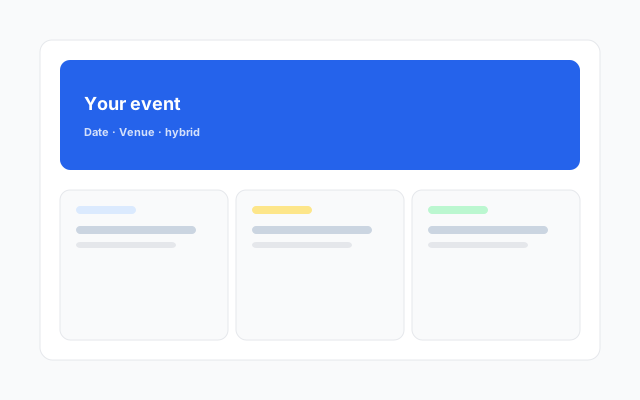
Create the event and its page
Hero, blocks, agenda, speakers and video — with the block editor, no designer needed.
→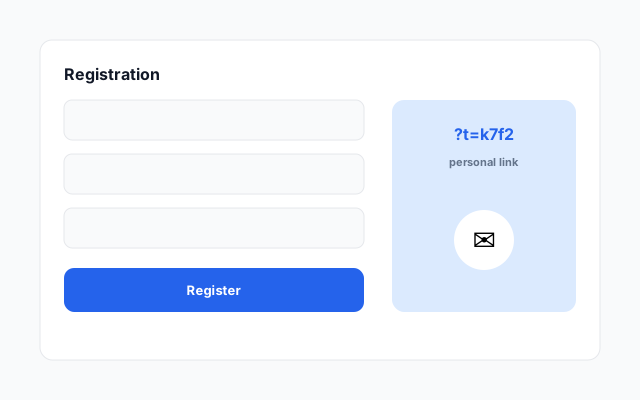
Open registration
Attendees get a personal link and e-mails: confirmation, reminders, "starting now".
→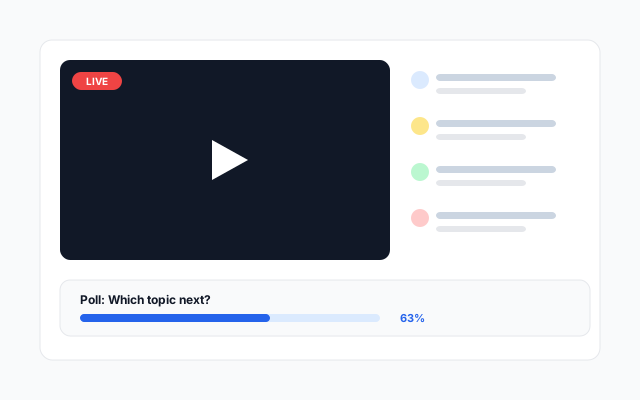
Go live and interact
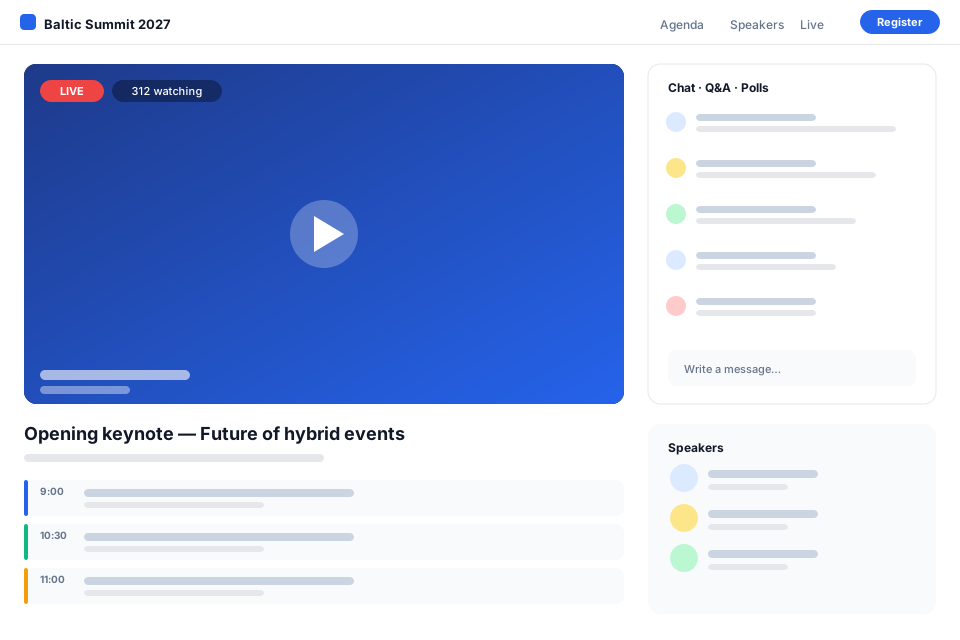
The stream plays on the event page; chat, Q&A and polls run alongside, a moderator keeps order.
Your first event is free — create it today
Creating an account takes a minute. The event page can go public right away; registration and e-mails work from the first moment.
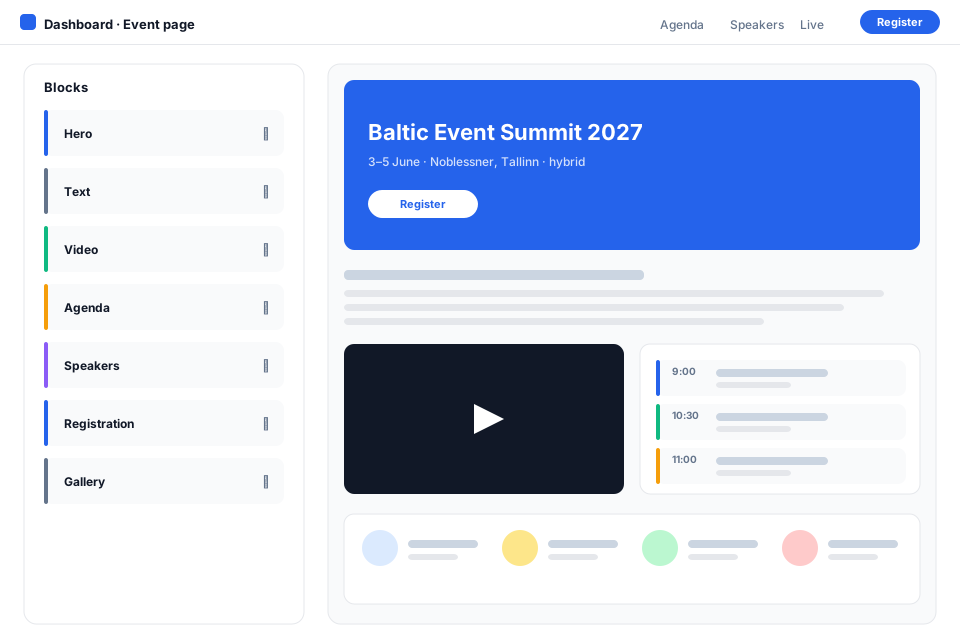
A page that looks like your event
Hero with an image or video, sticky menu, text, video, gallery and grid blocks. The same content on the registration page and the event page — with one toggle.
- Block editor with drag and drop
- Agenda, speakers and registration rendered automatically
- Picture-in-picture player while scrolling
- Event colours, date and time formats
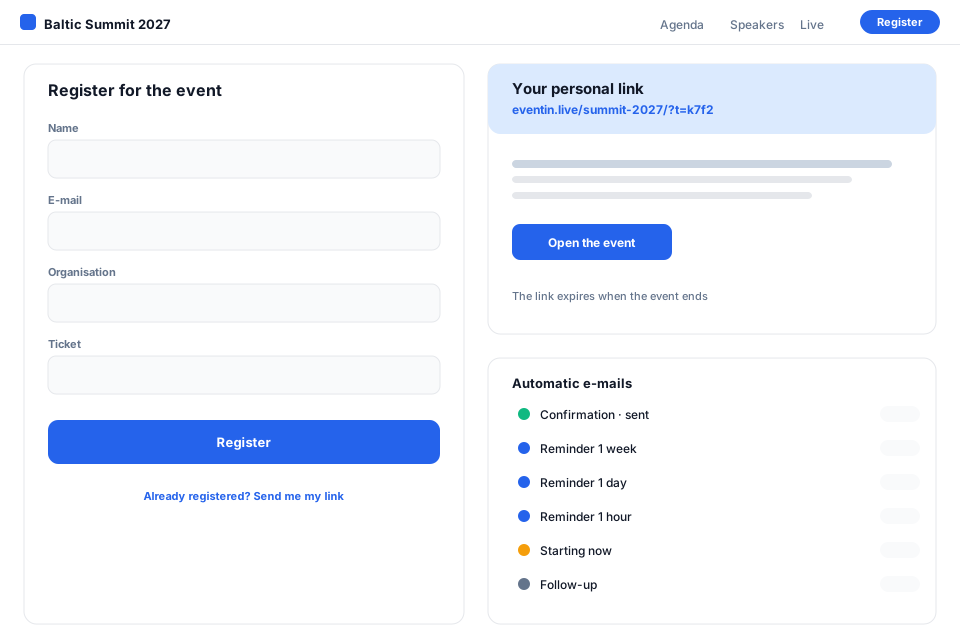
The attendee gets a personal link, you get peace of mind
Open, private or code-based registration. Every attendee gets a short personal link to enter the event — no passwords. Confirmation, reminders and the follow-up go out by themselves.
- Form fields and tickets of your choice
- Reminders 1 week, 1 day, 1 hour and "starting now"
- E-mails in the attendee's registration language
- Block-based e-mail editor with preview and test send
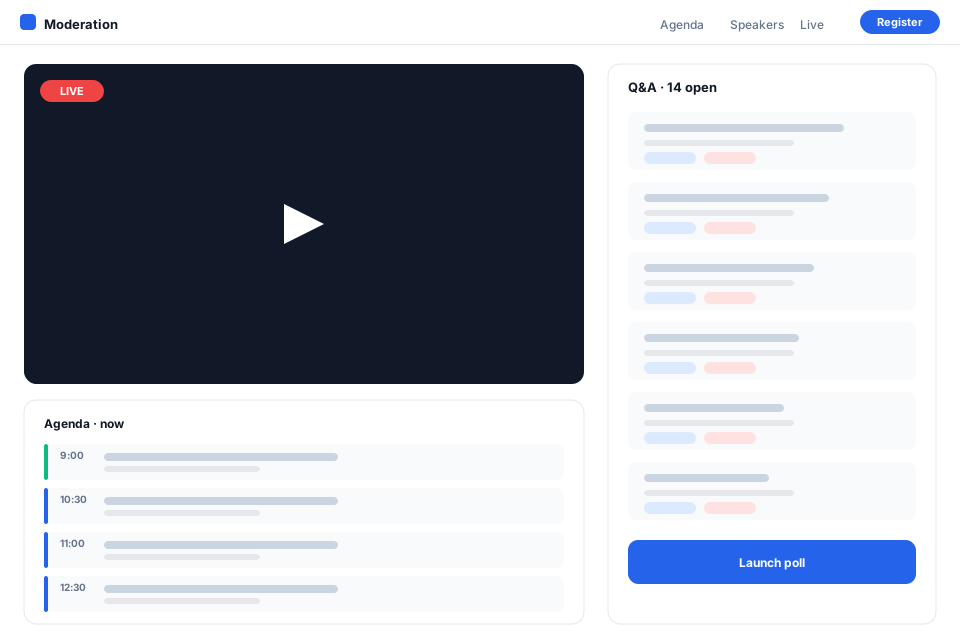
The stream plays, the audience talks back
Embed YouTube, Vimeo, RTMP/HLS or MP4 — eventin shows it on the event page together with chat, Q&A, polls, reactions and calls to action. The moderator sees a compact agenda and keeps the conversation in order.
- Chat, Q&A, polls, reactions
- Automated webinar from a pre-recorded file
- Multiple stages and tracks in parallel
- Moderator and editor roles
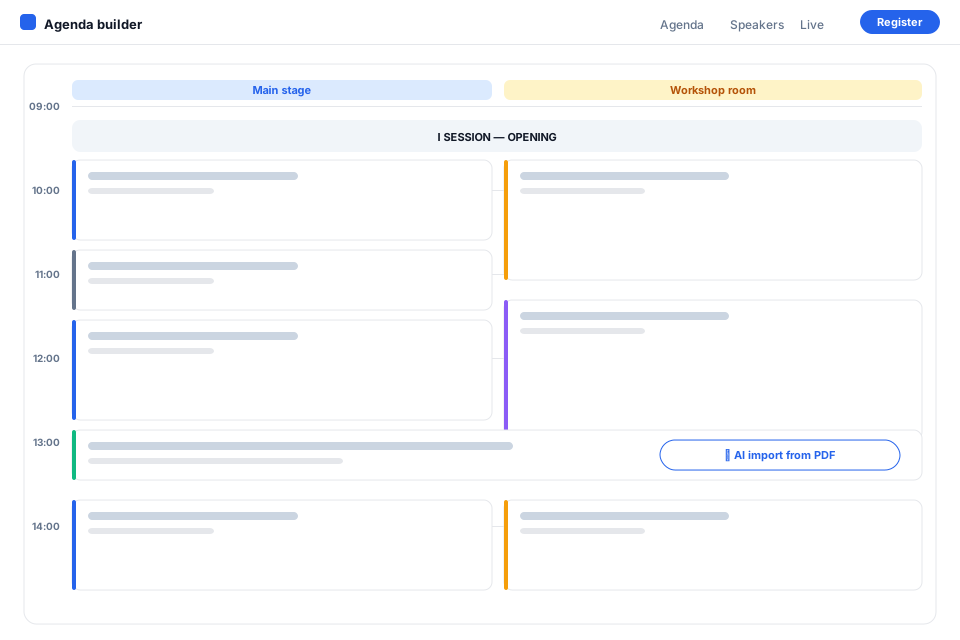
An agenda that builds itself
Drag sessions on the timeline, split them into tracks, add breaks and session headings. Upload a PDF or Word file — AI reads the agenda and speakers and links them to the ones you already have.
- Timeline with drag and resize
- AI import from PDF, DOC, DOCX, XLS, XLSX, text or a link
- Speaker profiles with photos and bios
- Multilingual content and one-click AI translation
Everything an event needs — without extra software
Block editor
Hero, text, video, gallery, grid, countdown — for the event and registration pages.
Personal links
Short code + e-mail = sign-in. Links expire when the event ends.
E-mail automation
Confirmation, reminders, "starting now", follow-up — templates for every language.
AI import & translation
Agenda and speakers from a file; page and e-mails into another language with one click.
Audience interaction
Chat, Q&A, polls, reactions and calls to action right next to the stream.
Team and roles
Event admin, editor, moderator — each one sees only their own tools.
Tickets and payments
Paid tickets, early-bird pricing, invoices.
Workspaces and plans
Several organizers under one account, plans by modules and seats.
From conferences to trainings
Conferences and seminars
Several stages, agenda with tracks, speakers, registration and the stream on one page.
Event agencies
Every client event with its own page, colours and team — under one workspace.
Corporate events
Private or code-based registration, personal links, internal broadcasts.
Webinars and trainings
Automated webinar from a recording, Q&A and polls, follow-up with materials.
Simple pricing
Start for free; pay when you need more seats, attendees or modules.
Pro
Your next event could be here
Create an account, build the event page and send the first invitations — today.
What is new
Konsooliadmin ja töökohad
12.07.2026Platvorm sai täieliku konsooliadmini ja töökohtade (workspace) süsteemi.
- Konsooliadmin: töökohad, paketid, kasutajad, registreerimine, SMTP, õigused, e-kirja mallid, AI, tõlked, avalehed, mu…
- Töökohtade süsteem — iga üritus kuulub töökohale
- Dünaamilised paketid moodulite ja limiitidega
- Avalehe logo joondus
Frequently asked questions
Do attendees need an account?
No. An attendee registers with an e-mail address and gets a personal link. To enter the event they type the same e-mail next to the link — there is no password.
Which video sources can I use?
YouTube, Vimeo, an RTMP/HLS stream, an MP4 file or an iframe. One event can have several stages, each with its own source.
Can the page be in several languages?
Yes. The event page, agenda, speakers and e-mails are translatable per language; AI translation makes the first version with one click.
How does pricing work?
The first event is free. Plans differ by attendee count, team seats and modules (streaming, interaction, tickets, e-mails).